What it does
The API lives under /api/v1 on the server panel (for example https://server.example.com:2087/api/v1). A token acts as the administrator or reseller who created it, with the same access. Resellers' tokens only see and manage their own accounts.
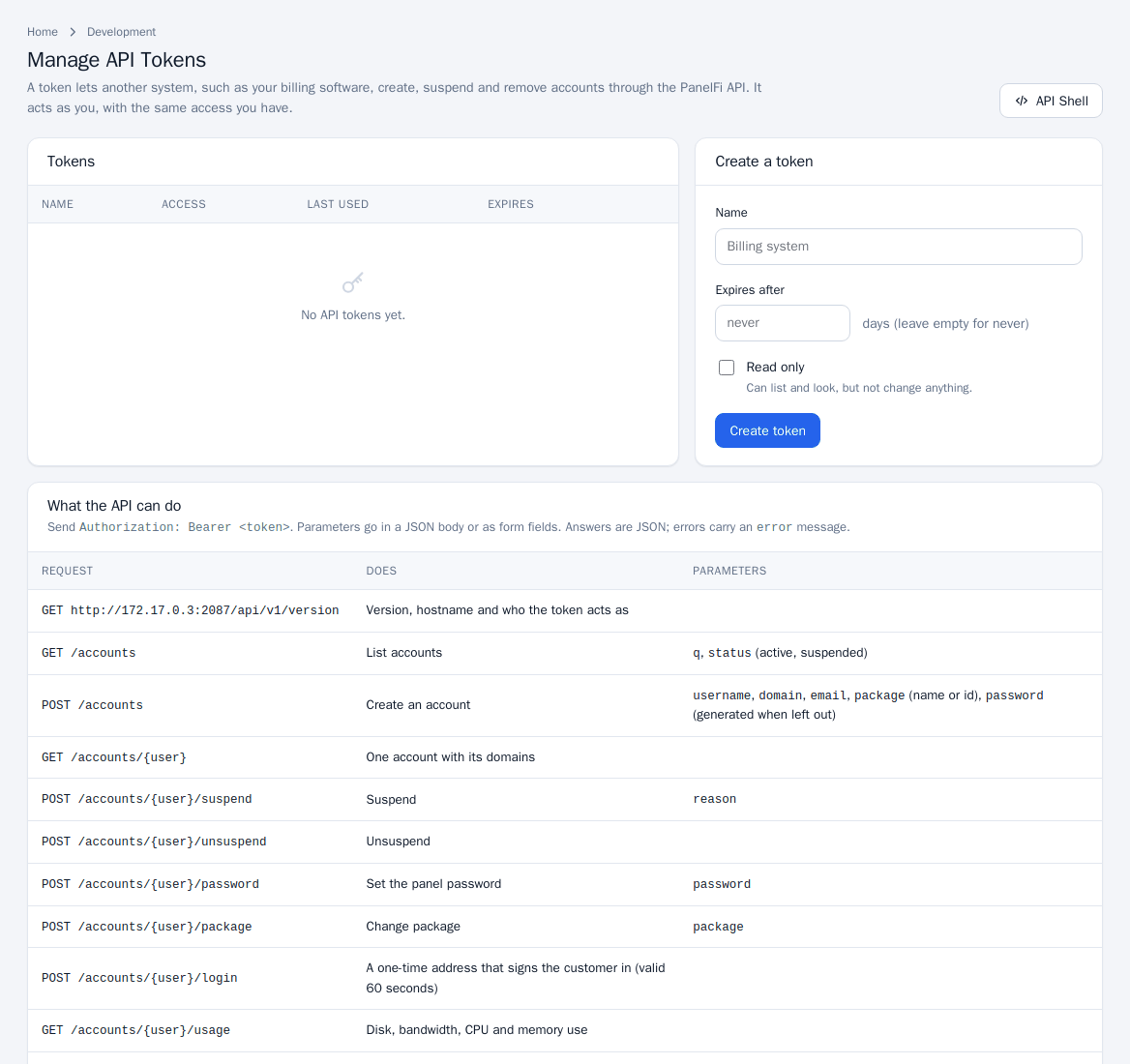
Create a token
- Open Security Center > Manage API Tokens.
- Under Create a token enter a Name, optionally Expires after (days) (empty for never) and tick Read only if it should only list and look.
- Click Create token. Copy the token now; it is not shown again. The page also shows a ready-made
curlexample. - The Tokens list shows access (Full or Read only), last use and address, and expiry. Revoke removes one.
Resetting an administrator's password revokes that administrator's tokens.
Call the API
Send Authorization: Bearer <token>. Parameters go in a JSON body or as form fields. Answers are JSON; errors carry an error message.
curl -H "Authorization: Bearer $TOKEN" https://server.example.com:2087/api/v1/accounts

curl -X POST -H "Authorization: Bearer $TOKEN" -H "Content-Type: application/json" \
  -d '{"username":"acme","domain":"acme.example","email":"[email protected]","package":"Starter"}' \
  https://server.example.com:2087/api/v1/accounts
Endpoints
| Request | Does | Parameters |
|---|---|---|
GET /version | Version, hostname and who the token acts as | |
GET /accounts | List accounts | q, status (active, suspended), fields=usage adds disk and bandwidth use to every account |
POST /accounts | Create an account | username, domain, email, package (name or id), password (generated when left out), owner (administrator tokens) |
GET /accounts/{user} | One account with its domains | |
POST /accounts/{user}/suspend | Suspend | reason |
POST /accounts/{user}/unsuspend | Unsuspend | |
POST /accounts/{user}/password | Set the panel password | password |
POST /accounts/{user}/package | Change package | package |
POST /accounts/{user}/login | A one-time address that signs the customer in (valid 60 seconds) | |
GET /accounts/{user}/usage | Disk, bandwidth, CPU and memory use | |
DELETE /accounts/{user} | Terminate the account | |
GET /packages | List packages | |
GET /domains | List every domain |
Reseller endpoints (administrator tokens only)
A reseller's token is refused on these.
| Request | Does | Parameters |
|---|---|---|
GET /resellers, GET /resellers/{name} | List resellers or show one | |
POST /resellers | Create a reseller login | username, password, email, max_accounts, disk_mb, bandwidth_mb |
POST /resellers/{name}/limits | Change limits | max_accounts, disk_mb, bandwidth_mb, email |
POST /resellers/{name}/suspend, /unsuspend | Suspend or restore the reseller and their accounts | |
POST /resellers/{name}/password | Set the reseller's password | password |
DELETE /resellers/{name} | Remove the reseller; their accounts move to a new owner | new_owner |
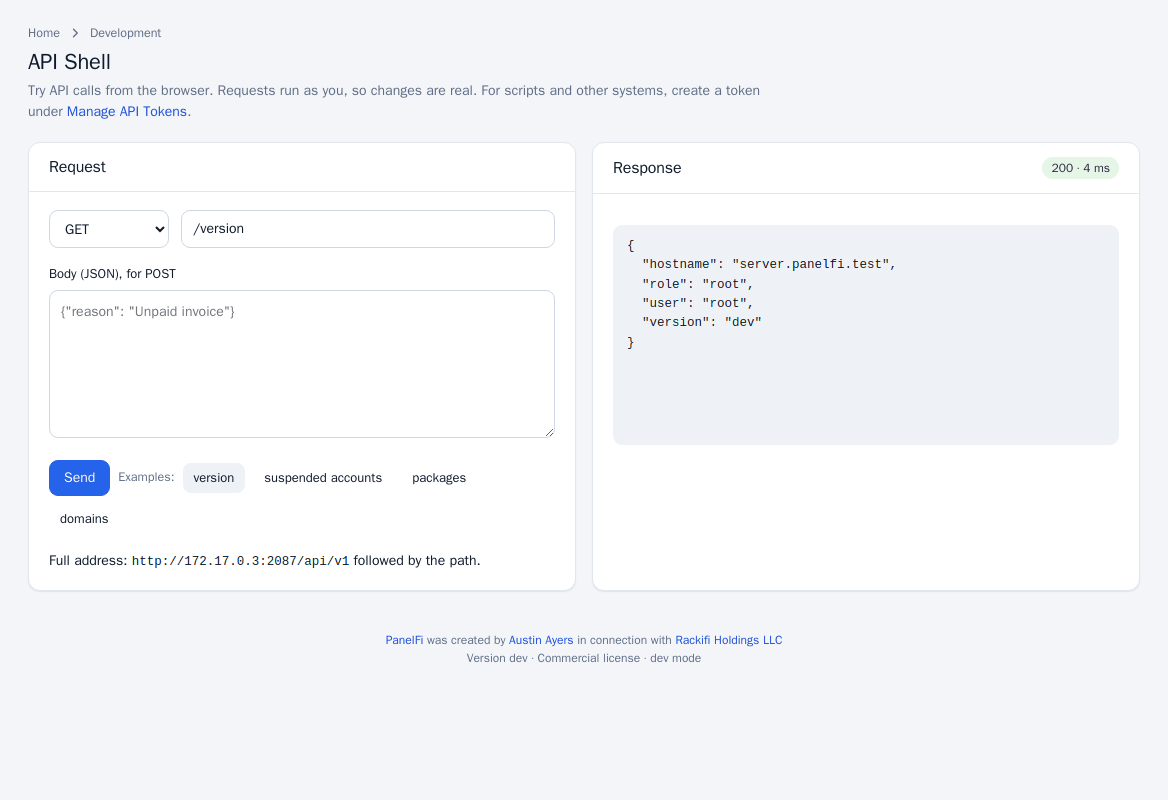
API Shell
Open Development > API Shell to try calls from the browser: choose GET, POST or DELETE, type the path after the base address, add a JSON body for POST and click Send. Examples for version, suspended accounts, packages and domains are one click away. Requests run as you, so changes are real.
Notes and limits
- A read-only token can use GET only; other methods return 403.
- After repeated wrong tokens an address is blocked for a while; it also appears in the sign-in history (see Brute-force protection).
- When the panel is locked by a license problem, changes through the API are refused while reading still works; hosting keeps running (see Licensing and updates).
- The license-management partner API is a separate service: see Partner program and licensing.