Nameserver Selection
Open Service Configuration > Nameserver Selection. PowerDNS is the only nameserver software PanelFi manages. The page shows whether it is running, how many zones it serves and the nameservers given to new zones. If the service is stopped, start it under Service Manager. DNS answers on port 53 (TCP and UDP).
Set the nameserver names
- Open Server Configuration > Basic Setup (or the Initial Setup Wizard).
- Under Nameservers enter Nameserver 1 to Nameserver 4 and, beside each, the IPv4 address it should resolve to (it defaults to the shared IP). At least two are required; nameserver 3 and 4 are optional.
- Save. PanelFi creates the A record for each nameserver when the zone that contains it is hosted on this server (for example
ns1.example.cominexample.com). For names in zones hosted elsewhere, the confirmation message tells you which glue and A records to create at your registrar or DNS host.
New zones list these names. Customers point their domains at them at their registrar. PanelFi does not rewrite the NS records of existing zones when you change the names; edit them in the DNS Zone Manager if needed.
Use other nameservers for a domain
To use your registrar's or another provider's DNS for a domain, leave its nameservers there and copy the records from its zone in the DNS Zone Manager. For a second nameserver that keeps your domains resolving when this server is down, see DNS clustering.
Resolver Configuration
Resolvers are the DNS servers this server asks when it looks up other domains, for example to deliver mail or issue certificates. They are not the nameservers of your hosted domains.
- Open Networking Setup > Resolver Configuration.
- Enter the Primary resolver, Secondary resolver and Third resolver, such as your provider's resolvers or public ones like 1.1.1.1, 9.9.9.9 or 8.8.8.8.
- Click Save resolvers.
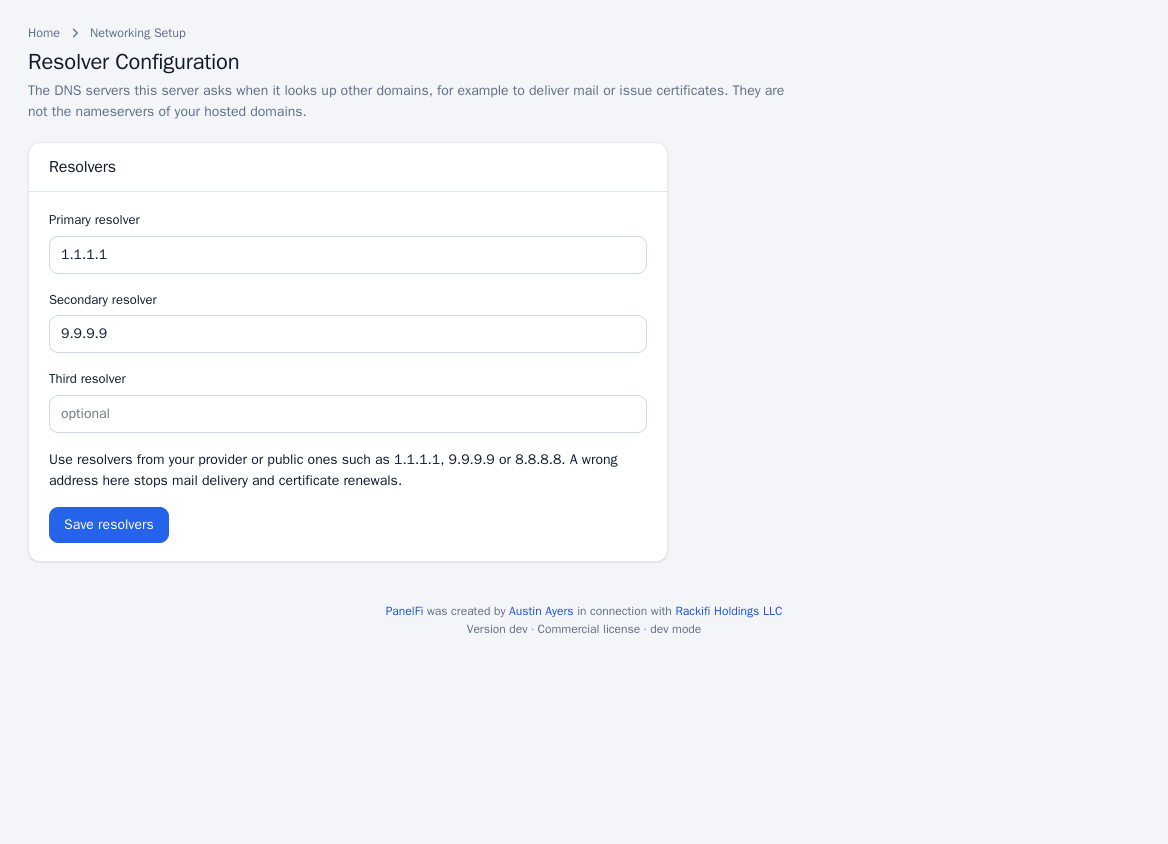
A wrong resolver address stops mail delivery and certificate renewals. On servers where the operating system manages resolvers, the page says so and shows them read-only; change them in the system's network settings.