Where to find itServer panel › Server Contacts › Contact Manager
What it does
PanelFi can notify the administrator when something needs attention. The same problem is not reported more than once an hour.
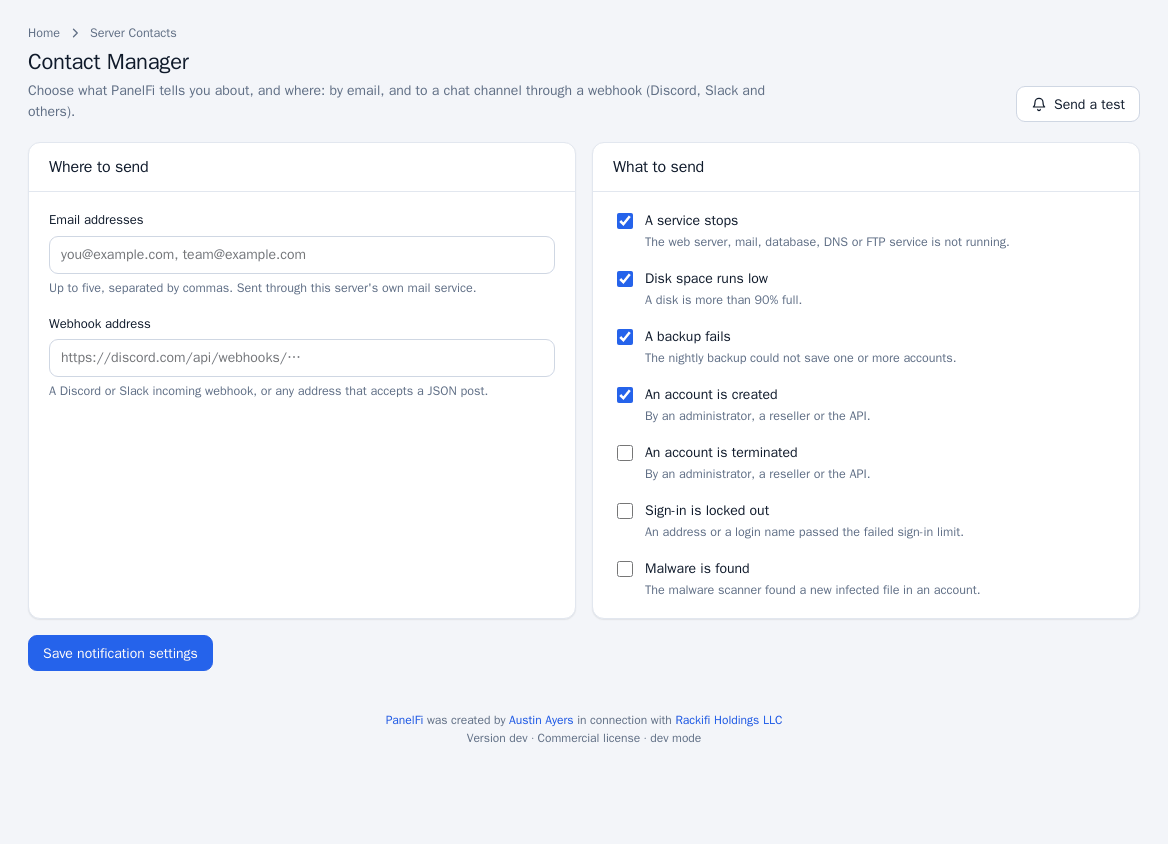
Set up notifications
- Open Server Contacts > Contact Manager.
- Under Where to send enter Email addresses (up to five, separated by commas; sent through this server's own mail service) and/or a Webhook address (a Discord or Slack incoming webhook, or any address that accepts a JSON post).
- Under What to send tick the events you want:
- A service stops (web server, mail, database, DNS or FTP is not running)
- Disk space runs low (a disk is more than 90% full)
- A backup fails (the nightly backup could not save one or more accounts)
- An account is created (by an administrator, a reseller or the API)
- An account is terminated (same)
- Sign-in is locked out (an address or login name passed the failed sign-in limit)
- Malware is found (the malware scanner found a new infected file)
- Click Save notification settings.
- Click Send a test to check delivery.
Notes and limits
- Malware owners can also be told directly; see Malware Scanner.
- Customers set their own contact email under Contact Information in the Customer panel (see Account security).