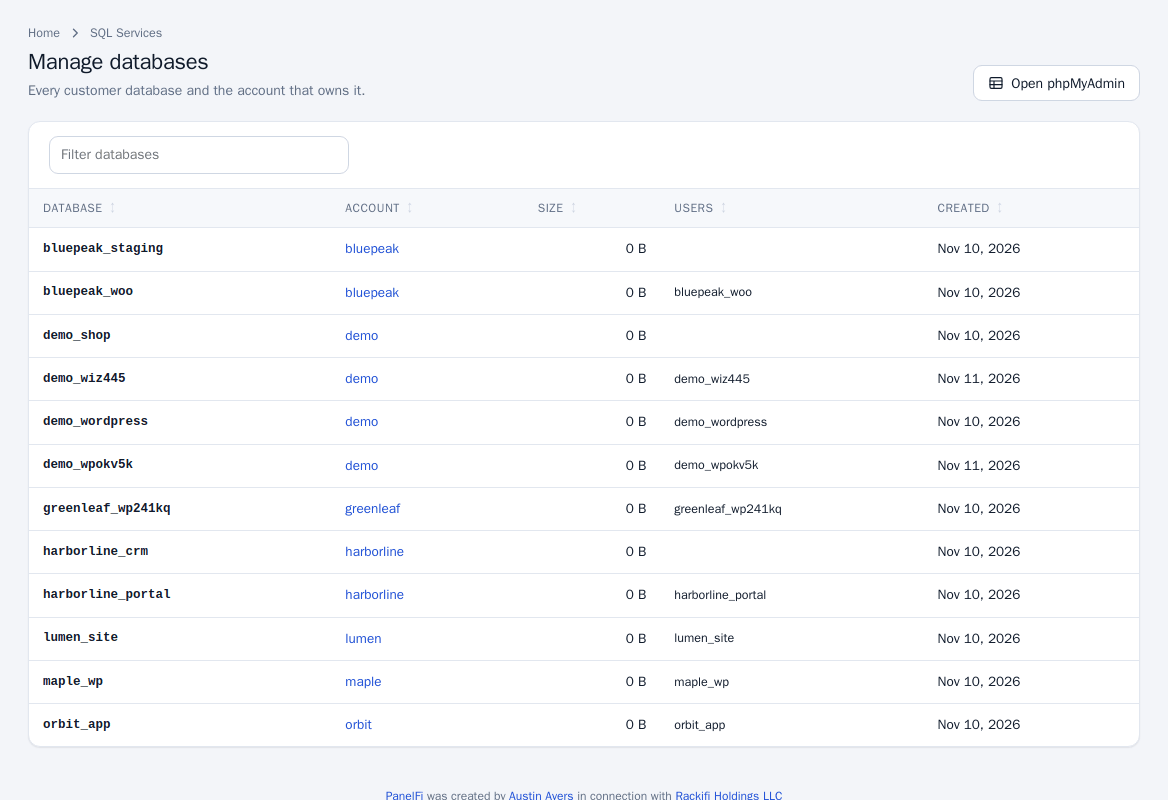
Manage Databases
Lists every customer database with its owning account, size, users and creation date. Open phpMyAdmin signs you into phpMyAdmin with single sign-on (also available as the phpMyAdmin tile under SQL Services).
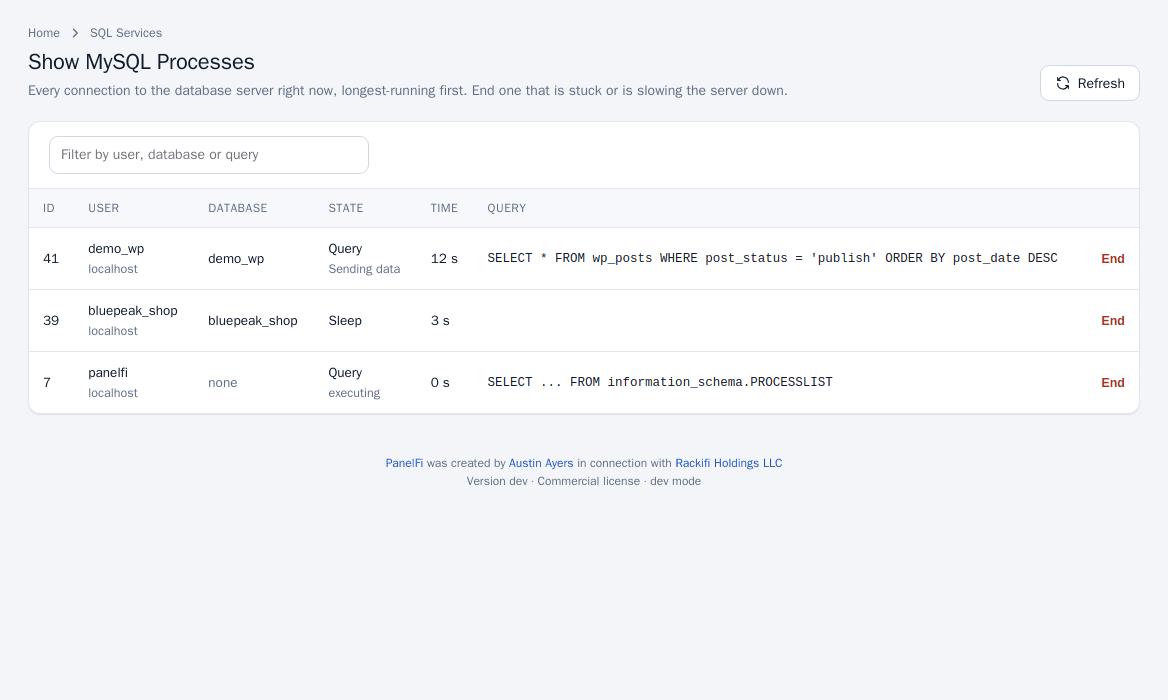
Show MySQL Processes
Every connection to the database server right now, longest-running first: ID, user, host, database, state, time and query. Click End on one that is stuck or is slowing the server, and Refresh to reload.
Allow remote database access
By default the database server only listens to this server itself. To let programs on other servers connect:
- Open SQL Services > Additional MySQL Access Hosts.
- Click Accept connections from other servers. The database server then listens on port 3306 on every address; PanelFi opens the port in the server's firewall when one is active. A firewall at your hosting provider has to allow it too.
- Under Allow a host for every account enter an Address or host name (use
%as a wildcard) and click Add host.
Only hosts on the lists can sign in, and only with a database user's own name and password. Hosts allowed for every account can be removed; Hosts added by accounts shows what customers added for themselves under Remote Database Access (see Remote database access). Refuse connections from other servers turns it off again.
Notes and limits
- Resellers do not have these tools.
- Customers create databases and users in their own panel: Databases.