Where to find itCustomer panel › Software › Perl Modules ; Customer panel › Software › PHP PEAR Packages ; Customer panel › Software › RubyGems
Install a package
- Open the tool: Perl Modules, PHP PEAR Packages or RubyGems.
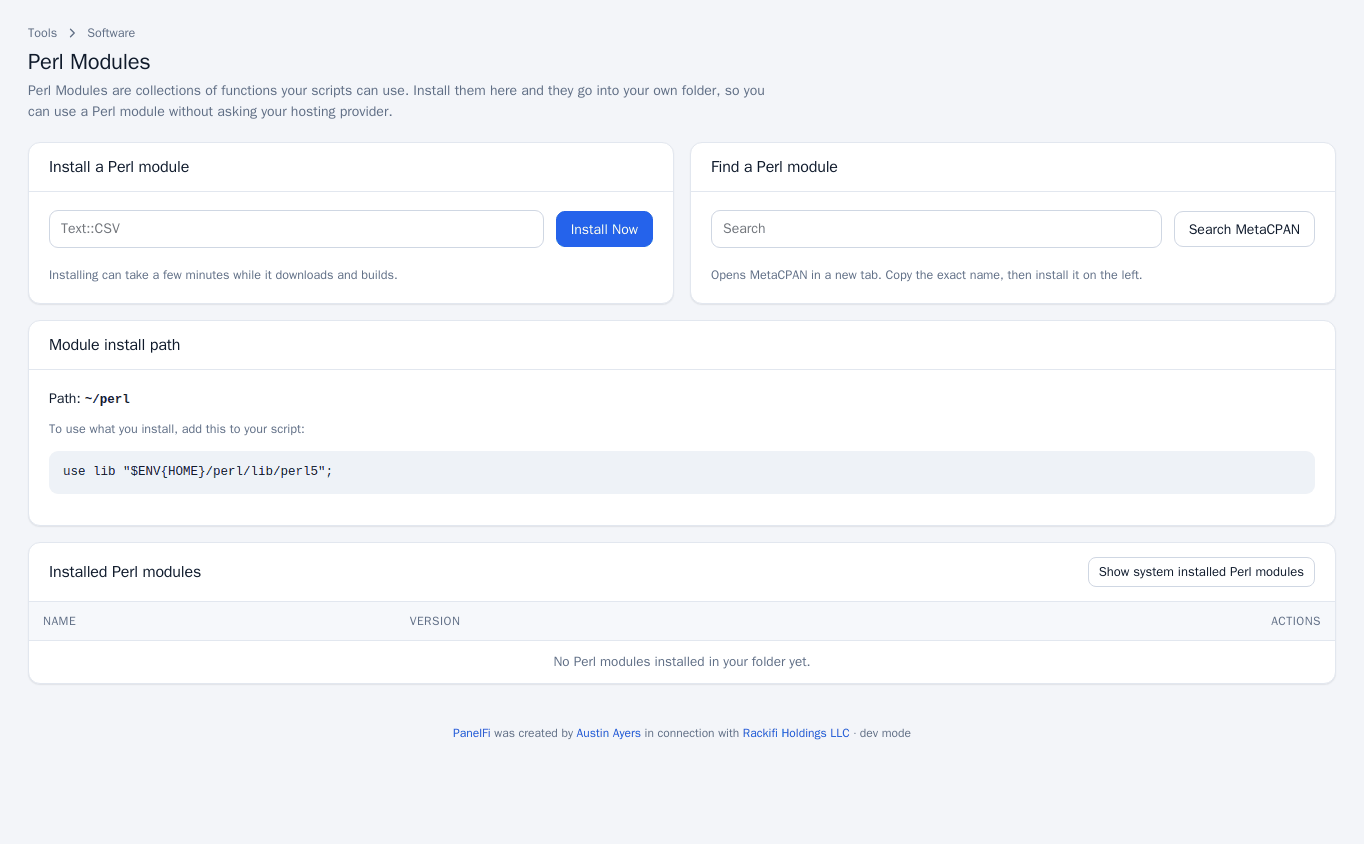
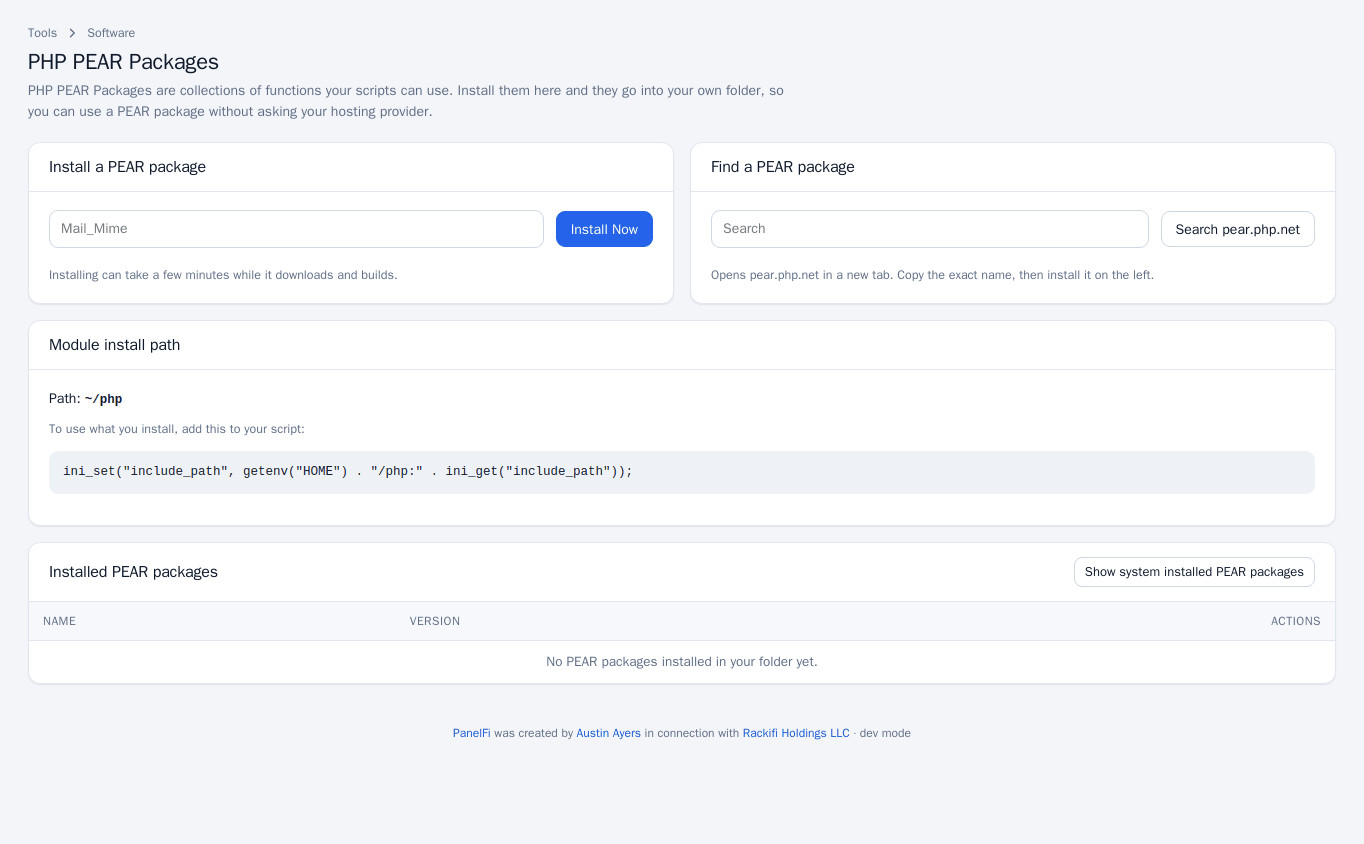
- Under Install a module, package or gem, type its exact name and press Install Now. Installing can take a few minutes while it downloads and builds.
- If you do not know the exact name, use Find a module, package or gem: the search opens MetaCPAN, pear.php.net or rubygems.org in a new tab. Copy the name and install it on the left.
Use what you installed
Packages are installed into your own home folder. The page shows the Module install path and the line to add to your script so it finds them:
| Tool | Add to your script |
|---|---|
| Perl Modules | use lib "$ENV{HOME}/perl/lib/perl5"; |
| PHP PEAR Packages | ini_set("include_path", getenv("HOME") . "/php:" . ini_get("include_path")); |
| RubyGems | $:.push(File.join(Dir.home, "ruby/gems")) or set GEM_HOME=~/ruby/gems |
Update, reinstall or uninstall
The Installed table lists the name and version of every package in your folder. Each row has Update, Reinstall and Uninstall. Tick Show system installed to also see packages the server provides for everyone; your scripts can use those as they are, but you cannot change them.
Notes and limits
- Each tool can be switched off per package in the Feature Manager.
- If an install fails, the page shows the error message.
- For Node.js and Python libraries use the application tools, which install dependencies from
package.jsonandrequirements.txt.