Zone Editor
Open Domains > Zone Editor. It lists the DNS zones of your account; subdomains live inside their parent domain’s zone. Click Manage on a zone to see its records.
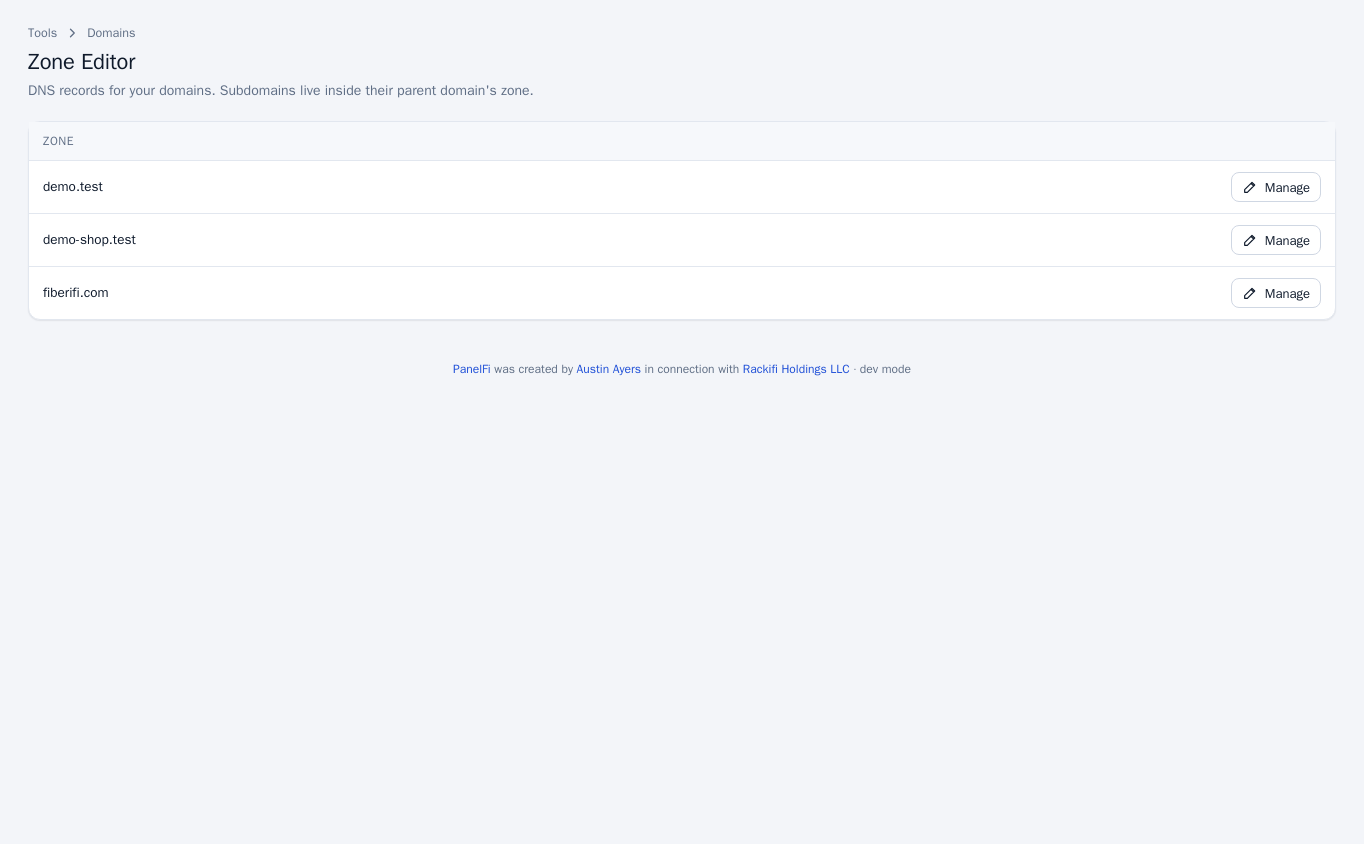
Changes go live on this server’s nameservers within seconds. Other resolvers may cache old answers for up to the record’s TTL. Records only matter if the domain’s nameservers point to this server; otherwise edit the records at the DNS provider that hosts the domain.
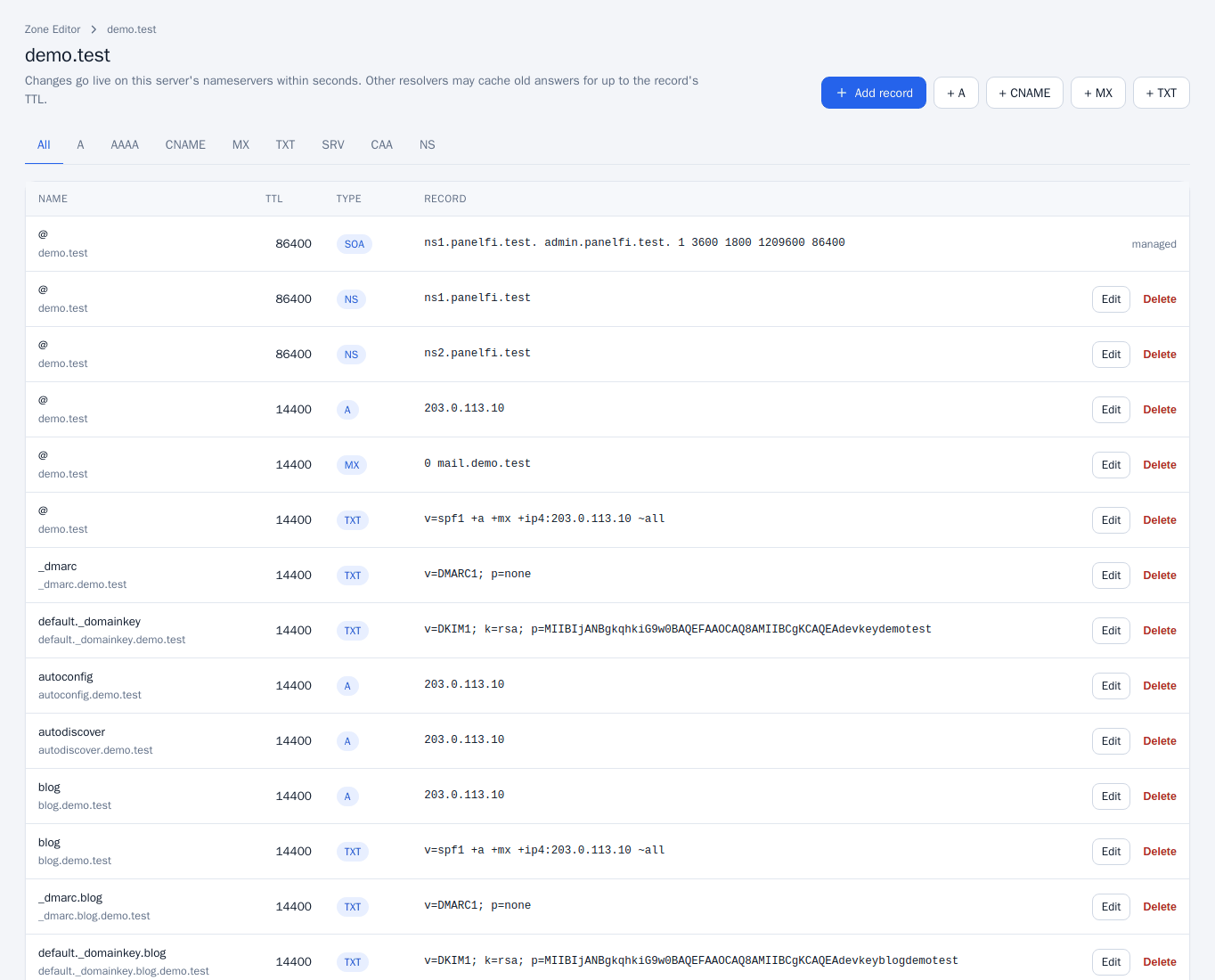
Add a record
- In the zone, click Add record, or a shortcut such as + A, + CNAME, + MX or + TXT.
- Choose the type (A, AAAA, CNAME, MX, TXT, SRV, CAA or NS), type the name and TTL, and fill in the value.
- Click Add record.
Edit or delete a record
Use the tabs (All, A, AAAA and so on) to filter, then click Edit or Delete on a row. The SOA record is shown as managed and cannot be changed.
Reset a zone
At the bottom of a zone, Reset zone replaces all records with the default set pointing at this server. Custom records are lost. You must type the zone name to confirm.
Resetting removes every custom record, including records you added for third-party email or verification. Note them down first.
Dynamic DNS
Dynamic DNS keeps a host name pointed at a connection whose address changes, such as a home or office line.
- Open Domains > Dynamic DNS and click Create a host name.
- Enter the Name and choose the Domain. The name must not have DNS records yet.
- Copy the Update address shown in the list. It looks like
/ddns/update?token=...on your server. - From the network the name should point at, open that address. A scheduled task keeps it current, for example with cron:
*/5 * * * * curl -s "UPDATE-ADDRESS".
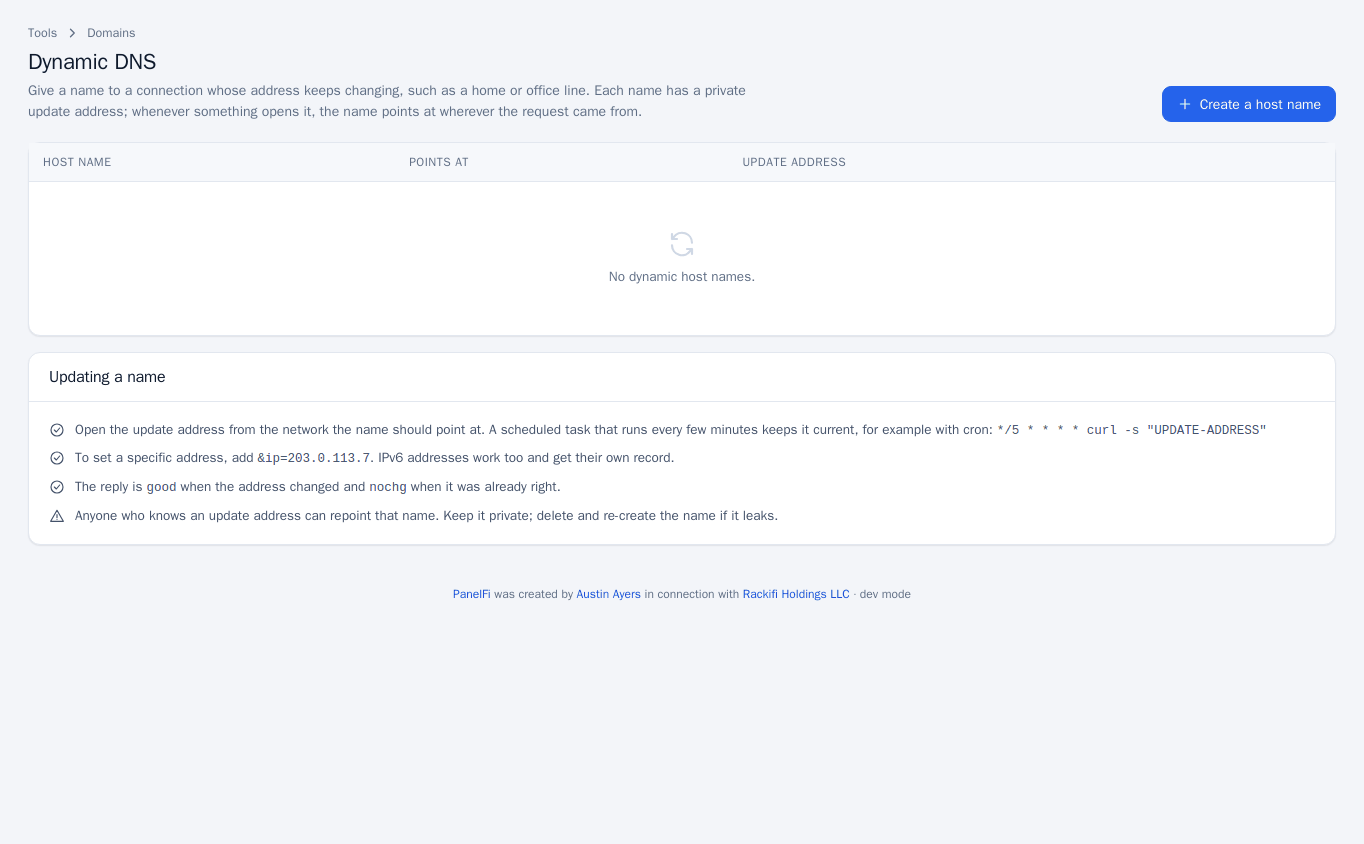
- To set a specific address, add
&ip=203.0.113.7. IPv6 addresses work too and get their own record. - The reply is
goodwhen the address changed andnochgwhen it was already right. - Anyone who knows an update address can repoint that name. Keep it private; delete and re-create the name if it leaks.
Track DNS
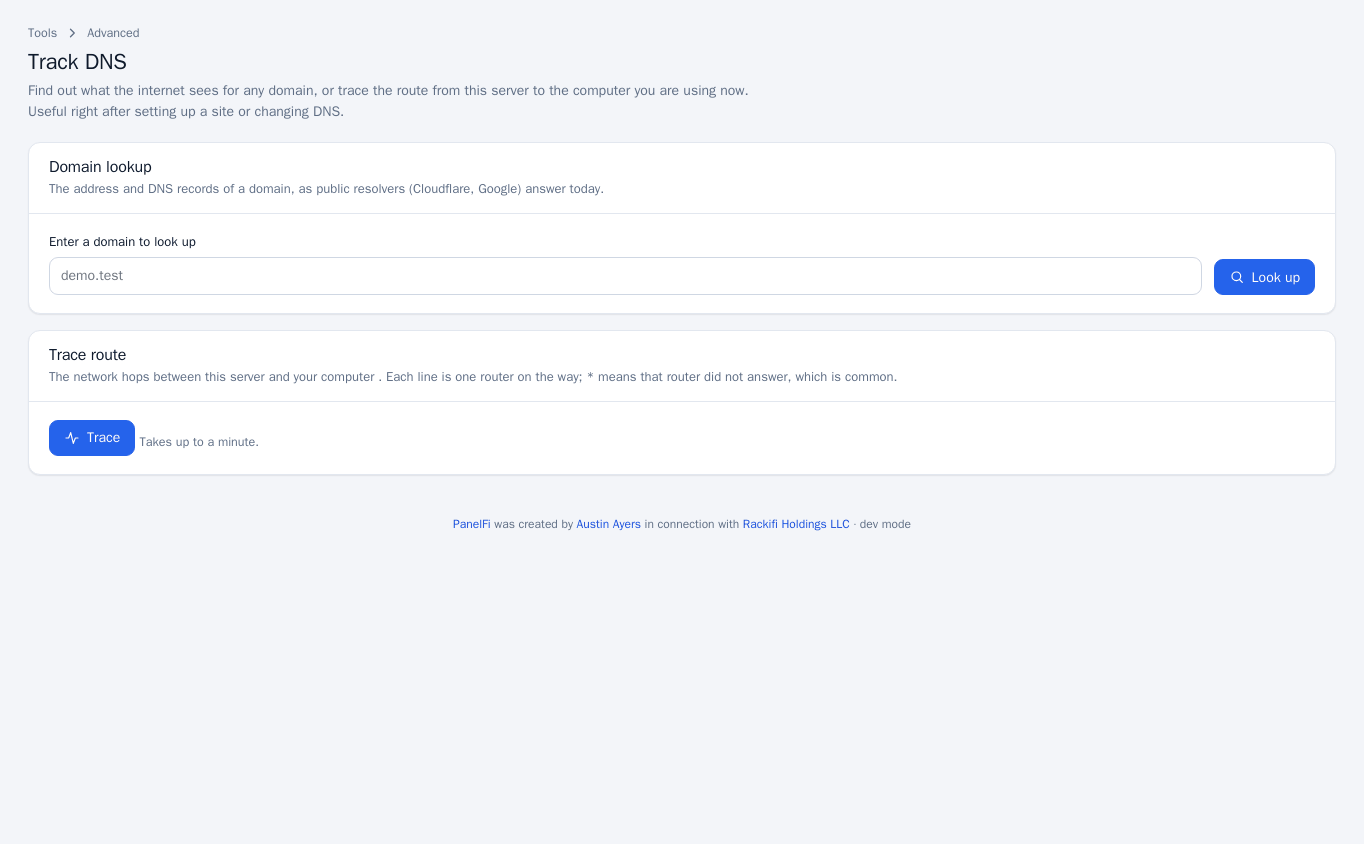
Open Advanced > Track DNS to see what the internet sees. Enter a domain and click Look up to get its address and DNS records as public resolvers (Cloudflare, Google) answer today, compared with this server. Click Trace to see the network hops between the server and your computer; a * means a router did not answer, which is common. A trace takes up to a minute.
Notes and limits
- Zone Editor, Dynamic DNS and Track DNS can each be switched off per package in the Feature Manager.
- Email-related records (SPF, DKIM, DMARC) are checked on the Email Deliverability page.