Scan your account
- Open Virus Scanner.
- Press Scan my account now. The page shows that your account is being scanned and refreshes by itself.
- When it finishes, the Infected files section shows how many files were scanned, how many could not be read and how many are infected, with the file, the signature that matched and its status. A clean result says that no infected files were found.
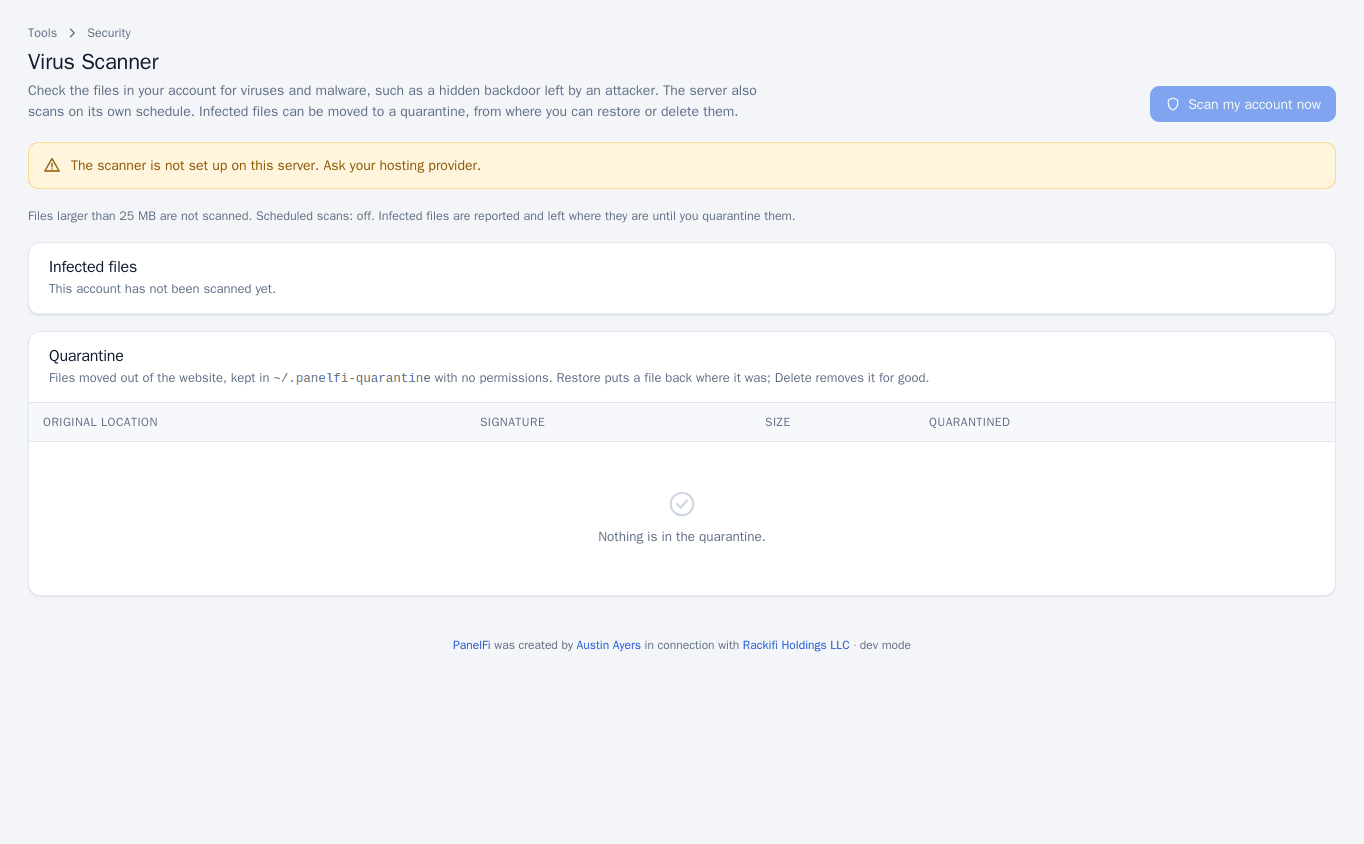
Only one scan runs at a time on the server. If the server is scanning another account, wait a few minutes and try again. If the scanner is not installed, the page says so and the button is disabled; ask your hosting provider.
Work with infected files
What happens to an infected file depends on the server's setting, which the page states under the heading: either infected files are moved to the quarantine automatically, or they are reported and left where they are until you quarantine them.
- For a file left in place, press Quarantine on its row to move it out of the website.
- Quarantined files are listed under Quarantine with their original location, signature, size and date. They are kept in
~/.panelfi-quarantinewith no permissions, so they cannot run. - Press Restore to put a file back where it was, or Delete to remove it for good.
Finding a malicious file usually means the site was already compromised. Quarantining the file does not close the hole it came in through. Update your applications and plugins, change passwords and check for other changed files, or restore a clean backup (see Backups and RapidBackup).
Notes and limits
- Files larger than the server's size limit (25 MB on the sample server) are not scanned. The limit and the scheduled-scan setting are shown on the page and are set by the server administrator; see Malware Scanner in the server panel.
- If malware is found, an account notice is emailed to you unless you switched it off under Contact Information (account security).
- The Virus Scanner can be switched off per package in the Feature Manager.