Where to find itServer panel › DNS Functions › Edit Zone Templates
The standard zone
A new zone always gets: the server's nameservers (set in Basic Setup); an address record for the domain, www, mail and ftp; an MX record to the domain itself; and SPF, DKIM and DMARC records for mail. The default TTL is also set under Basic Setup. These standard records are not edited here.
Add an extra record to the template
- Open DNS Functions > Edit Zone Templates.
- Under Add a record enter the Name, choose the Type (TXT, A, AAAA, CNAME, MX, SRV or CAA), enter the Value, a Priority where it applies and a TTL.
- Use
%domain%in the value for the new domain and%ip%for the server's shared address. - Click Add to template.
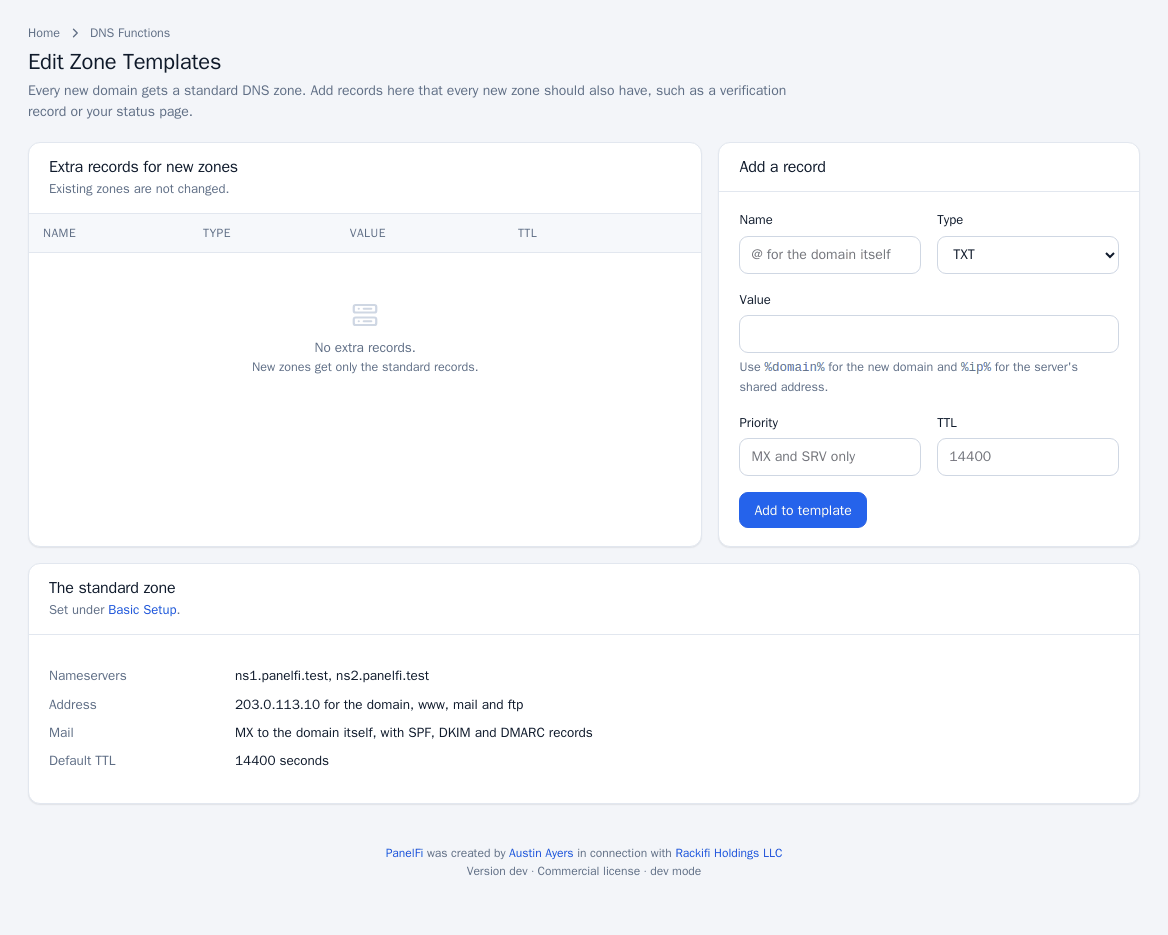
New zones get the record from then on. Use Remove to take a record out of the template.
Notes
- Existing zones are not changed. To add a record to existing zones, edit each in the DNS Zone Manager.
- The nameservers and TTL come from Basic Setup; see Nameservers.