Where to find itServer panel › DNS Functions › DNSSEC
Sign a zone
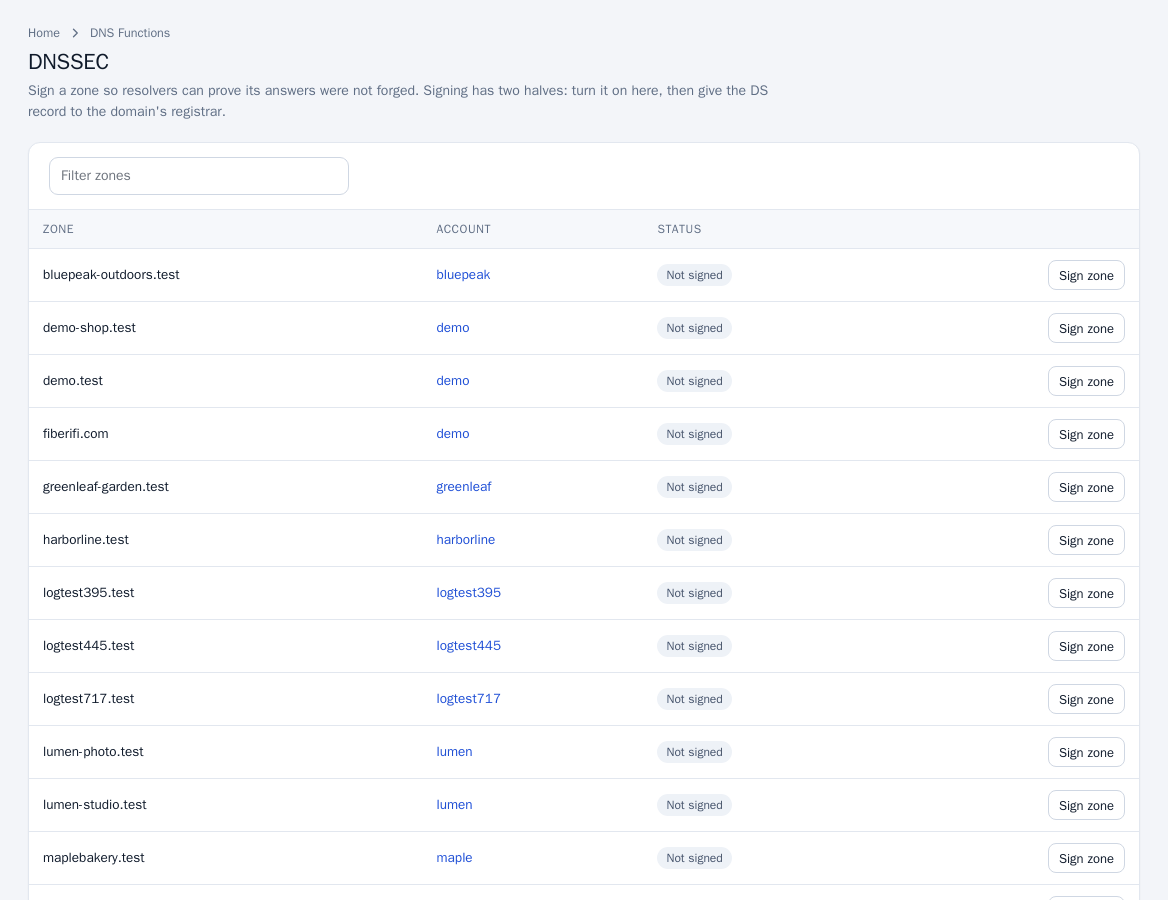
- Open DNS Functions > DNSSEC. The table lists each zone, its account and whether it is Signed or Not signed.
- Click Sign zone beside the zone.
- Click DS records for the zone. The dialog shows the key tag, algorithm (ECDSA P-256 with SHA-256), digest type and digest. Most registrars ask for the SHA-256 one. For registrars that want the key instead of a digest, the dialog also shows the public key (DNSKEY).
- Enter the DS record at the domain's registrar.
Until the registrar publishes the DS record, the zone works exactly as before.
Remove signing
Click Remove keys on a signed zone.
Remove the DS record at the registrar first. After the registrar has published the DS record, removing the keys here without removing the DS record there makes the domain unreachable for validating resolvers.
Notes
- If the page says the DNS software cannot sign zones, DNSSEC is not available on that server.
- With DNS clustering, signed zones are copied to secondaries with their signatures.