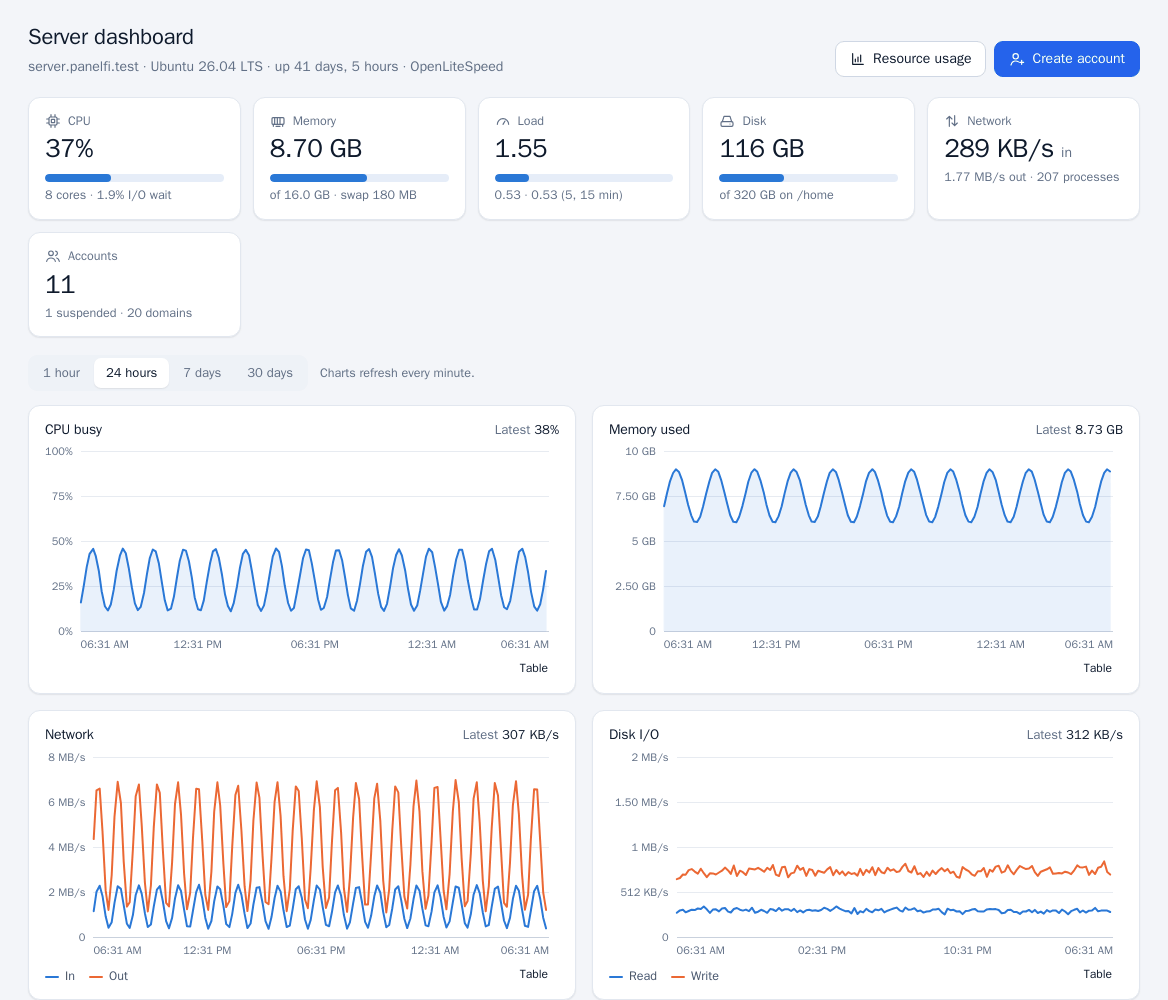
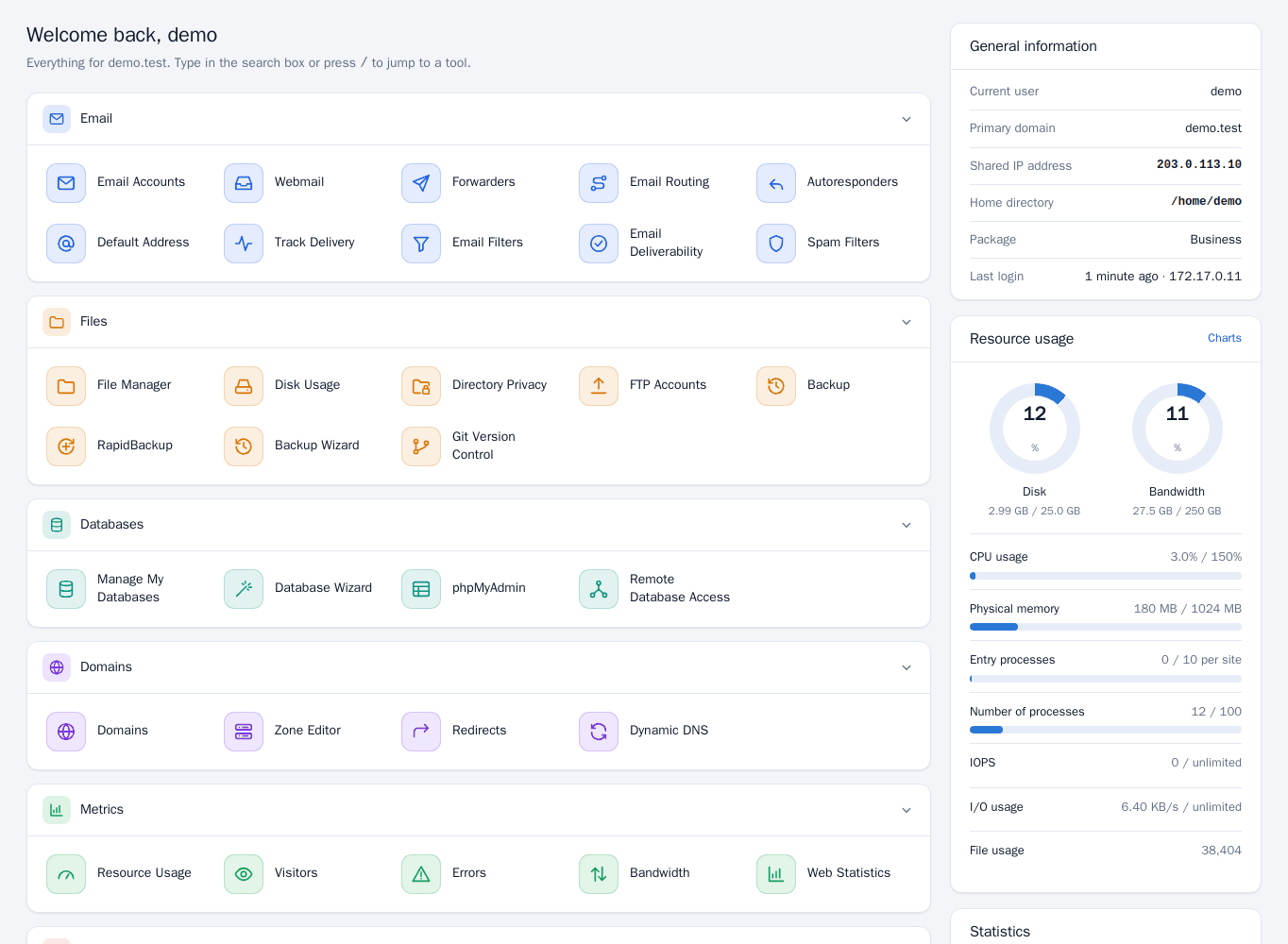
Who uses which panel
| Server panel | Customer panel | |
|---|---|---|
| Address | https://hostname:2087 | https://hostname:2083 |
| Who signs in | The root administrator, other administrators and resellers | The owner of a hosting account (and people they give access) |
| Username | Administrator or reseller username | The account's hosting username |
| What it manages | The whole server: accounts, packages, DNS, SSL, web server, PHP, security, backups, transfers, mail server, API | One hosting account: files, domains, email, databases, apps, backups, stats |
The two panels use separate logins. An administrator username does not work on port 2083, and a hosting username does not work on port 2087. The sign-in page of each panel says which one it is.
Administrators
The root administrator has full access. Under Server Configuration > Administrators & Password you can add other administrators with full access, change their passwords and remove them. See Two-factor and security for protecting these logins.
Resellers
A reseller signs in to the Server panel on port 2087 with their own login but sees a reduced menu: only their own customers' accounts, packages, DNS zones, certificates, usage and the audit log. Administrators create resellers and give them limits in the Reseller Center. Resellers require a Professional license. See Resellers.
Customers
Every hosting account has a Customer panel. What a customer sees depends on the account's package: the Feature Manager switches individual tools off per package. A customer can also give colleagues access without sharing the password with User Manager and Manage Team.
Log in as a customer
To see what a customer sees, open the account list (Account Information > List Accounts) and click Log in on the account, or use Log in to panel on the account's page. PanelFi creates a one-time sign-in link that is valid for one minute and opens the Customer panel in that account, without needing the customer's password. Resellers can do this for their own accounts.
Notes
If the server's license is suspended or the server is over its edition's account limit for more than 7 days, the panels lock while hosting keeps running. See Licensing and updates.