Where to find itCustomer panel › Files › Git Version Control
Clone a repository
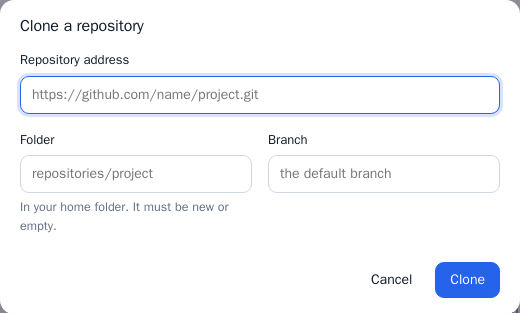
- Open Git Version Control and press Clone a repository.
- Enter the Repository address, for example
https://github.com/name/project.git. - Choose the Folder in your home folder. It must be new or empty. To publish the repository as a website, clone it into the site's folder.
- Optionally set the Branch, then press Clone.
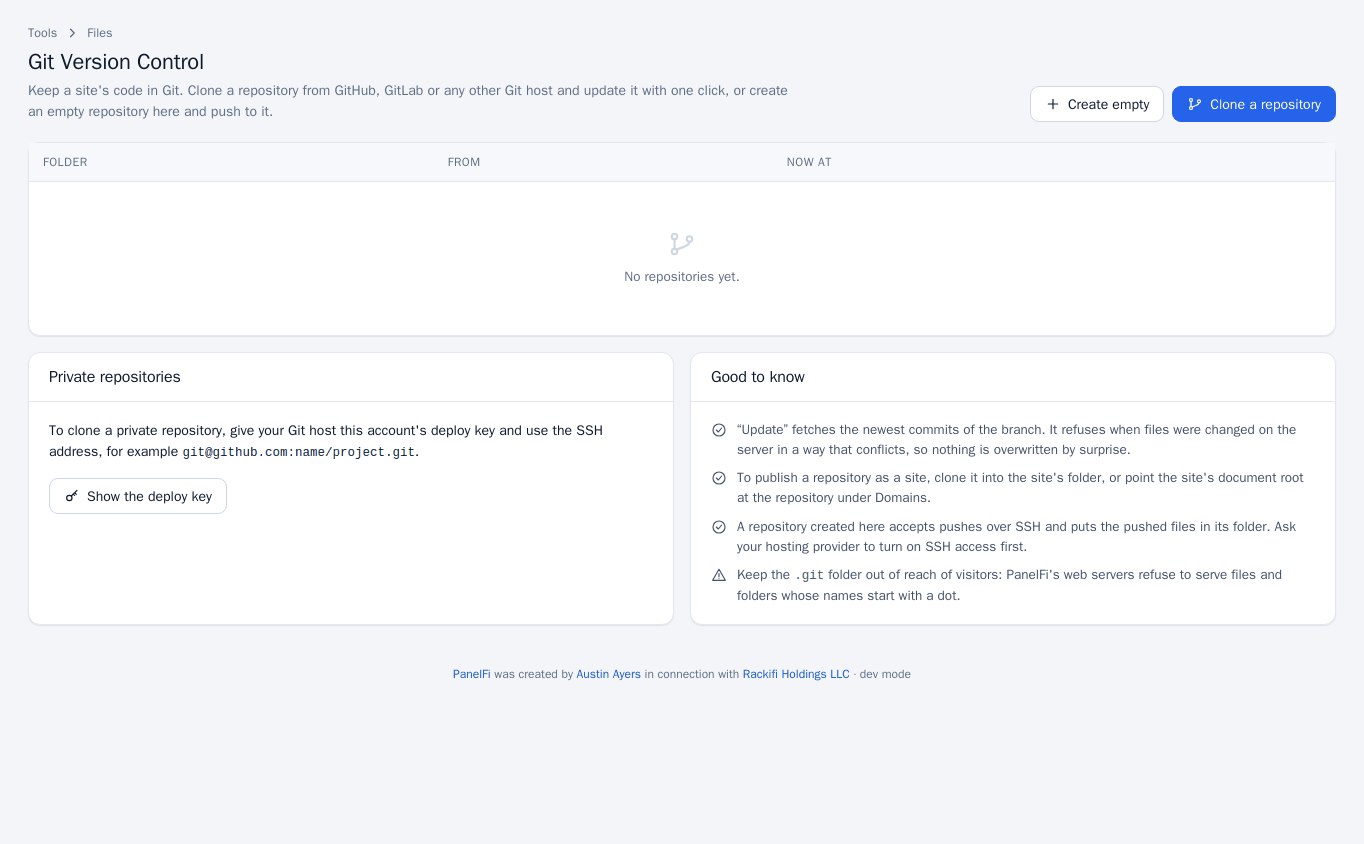
The list then shows each repository with its folder, where it came from, the current branch and last commit, and whether files were changed on the server.
Update a repository
Press Update on a repository to fetch the newest commits of its branch. It refuses when files changed on the server in a way that conflicts, so nothing is overwritten by surprise. Remove takes the repository off the list.
Clone a private repository
- Open the Private repositories section and press Show the deploy key. This is your account's public key.
- Add it to your Git host as a read-only key: Deploy keys on GitHub and GitLab, Access keys on Bitbucket.
- Clone with the SSH address, for example
[email protected]:name/project.git.
Create an empty repository and push to it
- Press Create empty, choose the Folder and Branch, and press Create.
- The list shows an
ssh://address for it. Add that as a remote in your local repository and push.
A repository created here accepts pushes over SSH and puts the pushed files in its folder. This needs SSH to be on for your account (see SSH access).
Notes and limits
- To publish a repository as a site, clone it into the site's folder, or point the site's document root at the repository under Domains.
- PanelFi's web servers refuse to serve files and folders whose names start with a dot, so the
.gitfolder is not reachable by visitors. - Git Version Control can be switched off per package in the Feature Manager.