Forwarders
A forwarder sends a copy of mail for one of your addresses to another address. If the address is also an email account, the message stays in its mailbox too.
- Open Email > Forwarders.
- In Address to forward type the name, choose the Domain, and enter Forward to, the destination address.
- Click Add forwarder.
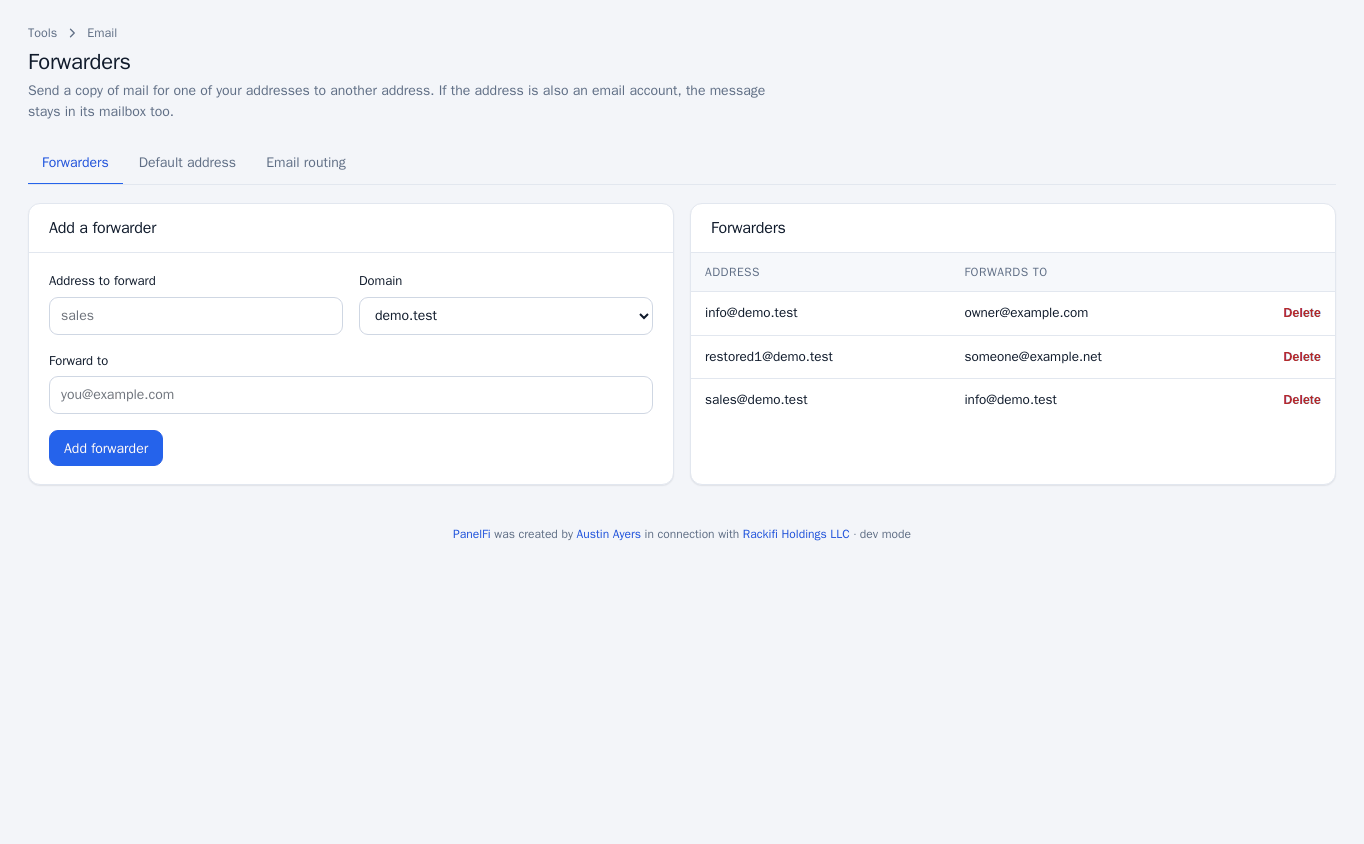
Remove one with Delete in the Forwarders list.
Autoresponders
An autoresponder replies automatically to mail sent to an email account, for example while you are away. You need an email account first.
- Open Email > Autoresponders.
- Choose the Email account, enter a Subject and the Message.
- Set how often the same sender can get a reply: Reply to the same sender at most every a number of days.
- Click Save autoresponder.
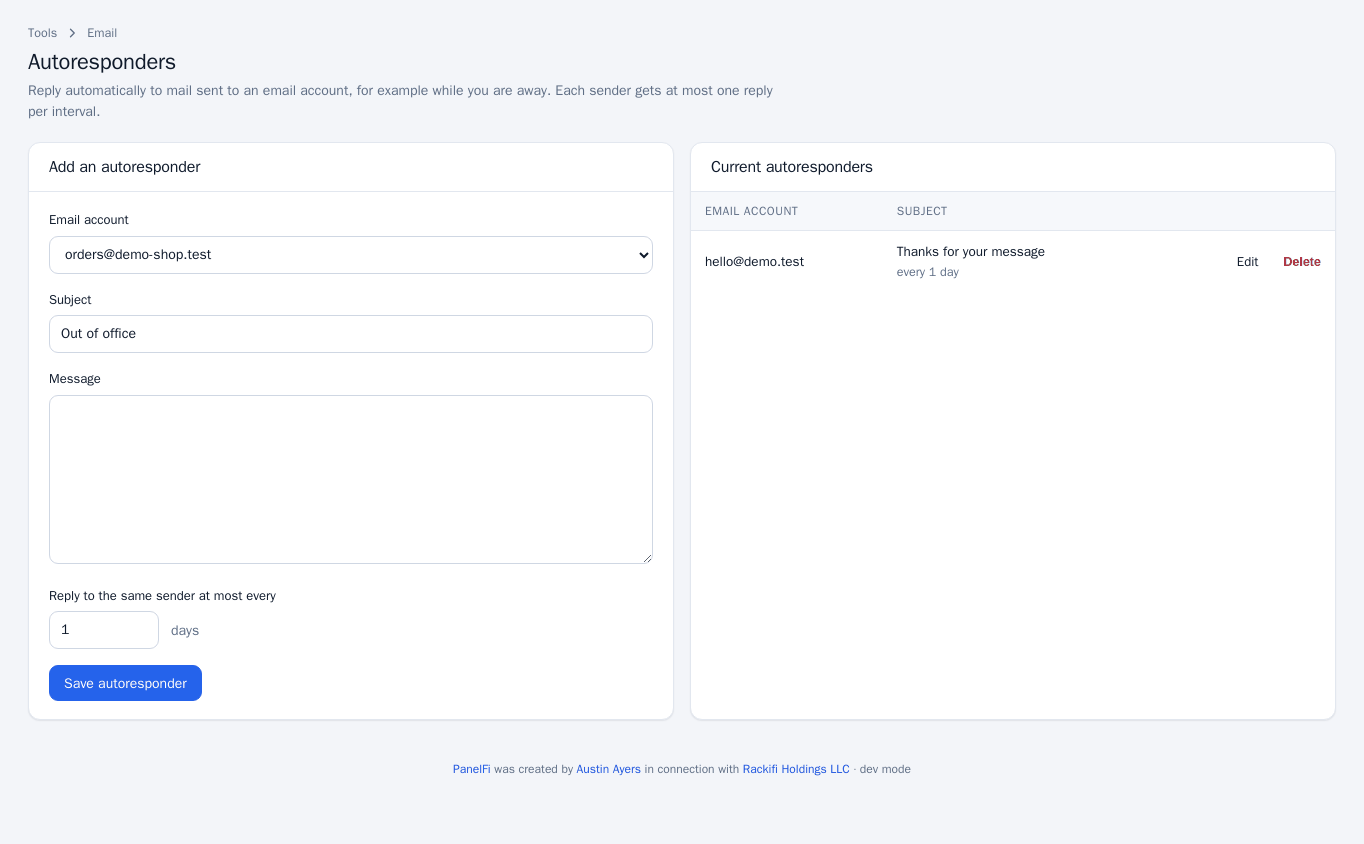
Use Edit or Delete in Current autoresponders to change or stop one.
Default address
The default address decides what happens to mail sent to addresses that do not exist at a domain. Open Email > Default Address; each domain has its own card.
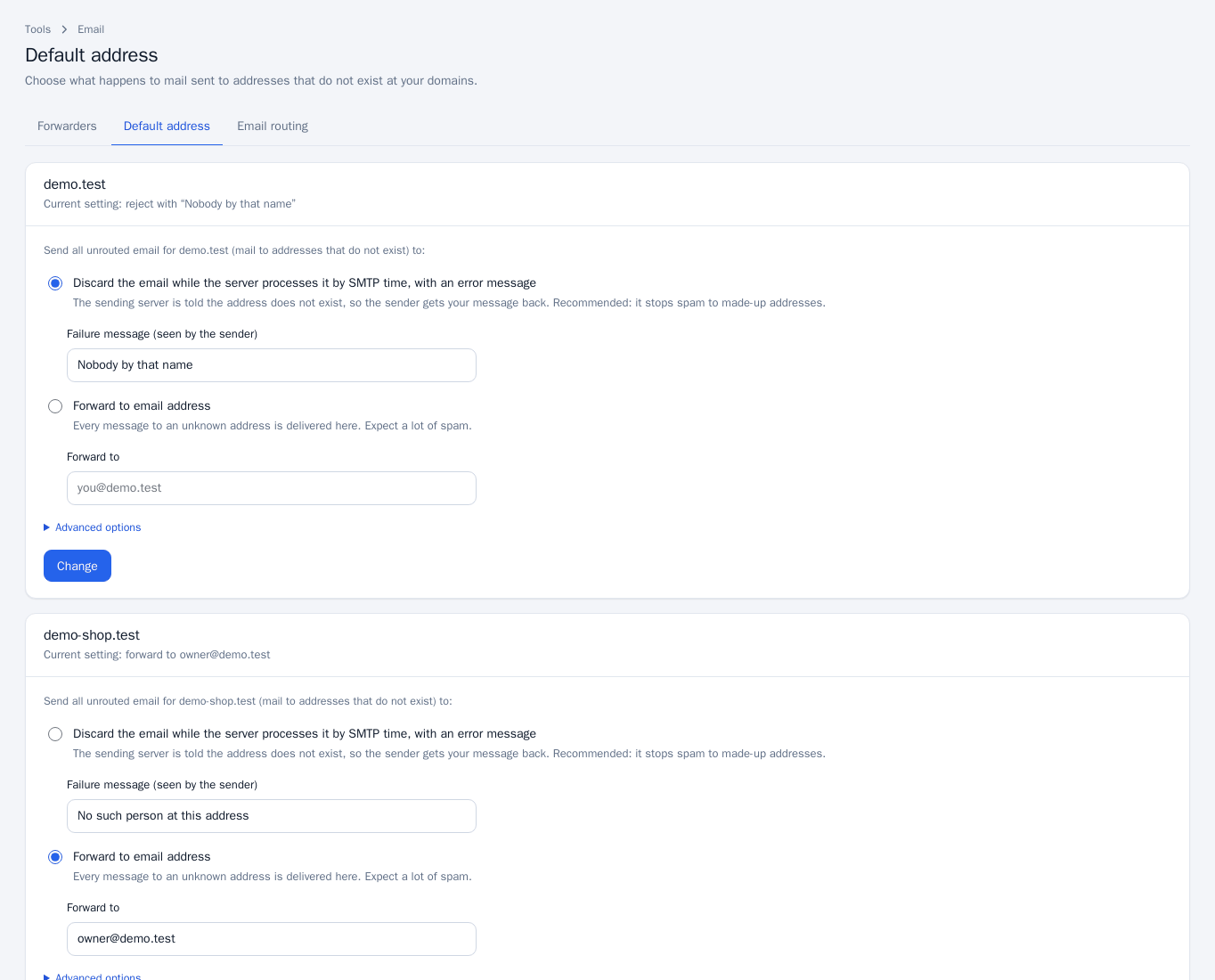
- Discard the email while the server processes it by SMTP time, with an error message: the sending server is told the address does not exist, so the sender gets your Failure message back. Recommended, because it stops spam to made-up addresses.
- Forward to email address: every message to an unknown address is delivered to the address you enter. Expect a lot of spam.
- Under Advanced options, Discard (not recommended) accepts the message and deletes it; the sender is never told.
Click Change to save. If a domain’s mail is routed to another server, its default address is set there instead.
Email routing
Open Email > Email Routing and choose, per domain, who receives its mail, then click Save:
- This server (local mail exchanger): mail is delivered to mailboxes here.
- Another server (remote mail exchanger): a service such as Google Workspace or Microsoft 365 handles the domain’s mail.
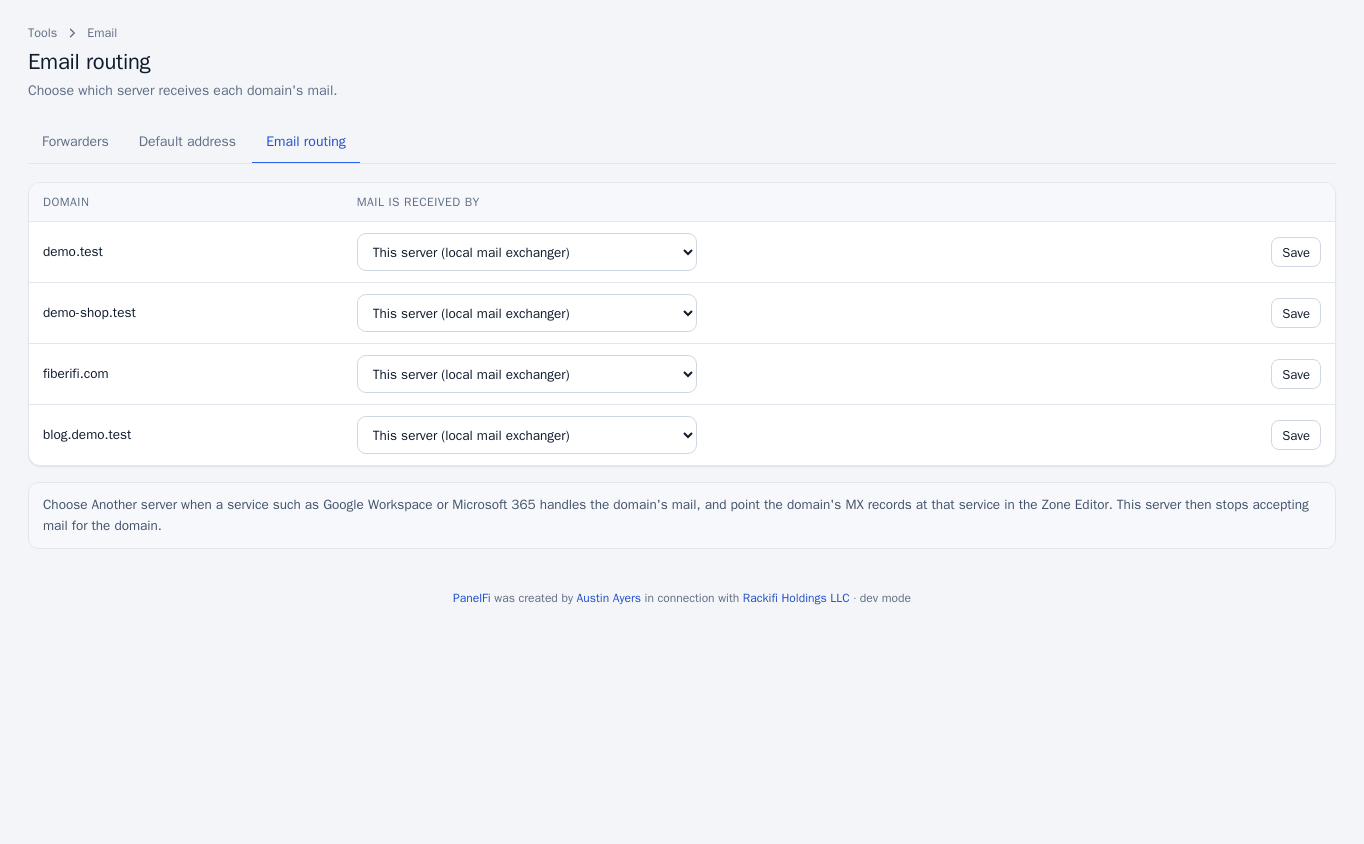
When you choose Another server, also point the domain’s MX records at that service in the Zone Editor. This server then stops accepting mail for the domain.
Notes and limits
- Each of these tools can be switched off per package in the Feature Manager.
- Forwarders to outside addresses depend on the receiving provider accepting mail from this server; check Email Deliverability.